

4G Wireless | Low Cost | Zero Cabling | Easy Deployment | High Intelligence | Broad Compatibility
Cloud Access Control · Cloud Intercom · Smart Parking · Charging Management · E-Bike Control · Smart Elevator Control · Robot Access
This residential community smart retrofitting 4G access control plan starts from 4G wireless access and zero cabling: front-end devices do not rely on the community’s existing network — power them up and they connect to the cloud, so a retrofit does not require breaking walls or pulling cable just to get online.
1. Legacy Community Retrofit
The core tension in a retrofit is that equipment must be renewed while cabling should stay largely untouched. The plan offers three paths based on the existing wiring, plus two access credentials on top of them.
Traditional 2-wire wired retrofit: reuse the two wires already inside the unit door and replace the front end with access devices that support digital communication, delivering a low-cost 2-wire-to-4G cloud access control upgrade; once communication is digitized, the system connects to the cloud over 4G. Changes stay at the device end with no re-cabling, which suits buildings with intact wiring and aging equipment.
Traditional 4-wire wired retrofit: for buildings originally wired in a four-wire configuration, keep the existing wire order and replace the door station and indoor unit to restore card access, intercom and remote unlocking. This suits units with undamaged wiring; where wiring is aged or partly broken, the wireless path is the more economical choice.
4G / WiFi wireless retrofit: front-end devices connect directly to the cloud over 4G or WiFi and no longer depend on the community’s low-voltage network, which suits units with no weak-current shaft or where pulling cable is difficult. WiFi first requires measured coverage strength and concurrency; buildings with insufficient coverage should still use 4G.
On top of these wiring scenarios there are two credential options. 4G card access keeps the physical card, which suits buildings with a high share of elderly residents and sensitivity to card re-issuance costs. 4G facial recognition with cloud intercom replaces the card with face recognition and adds cloud intercom, so visitor calls can be forwarded to a mobile phone or the indoor unit.
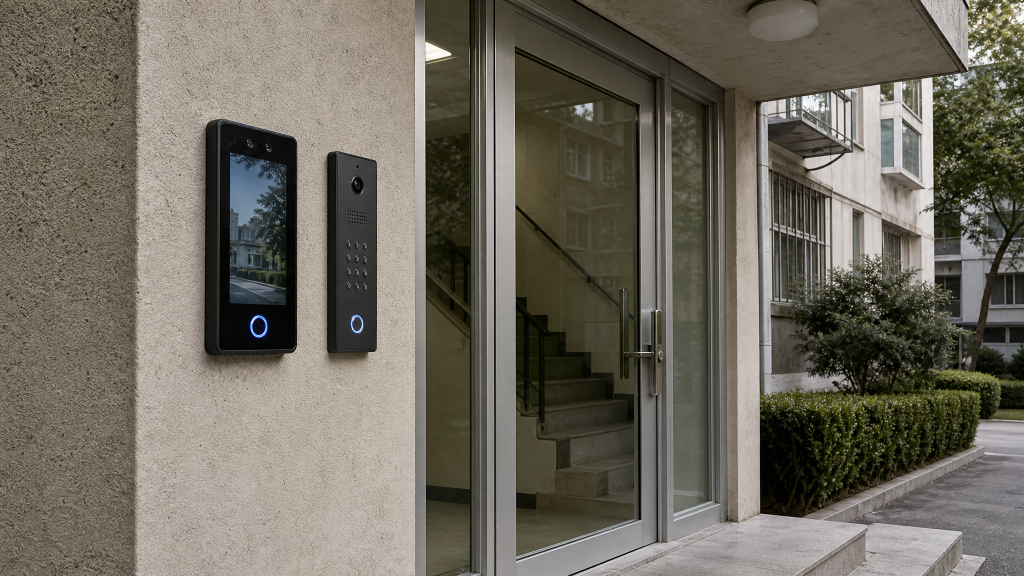
Figure 1 — Access hardware added at a building entrance
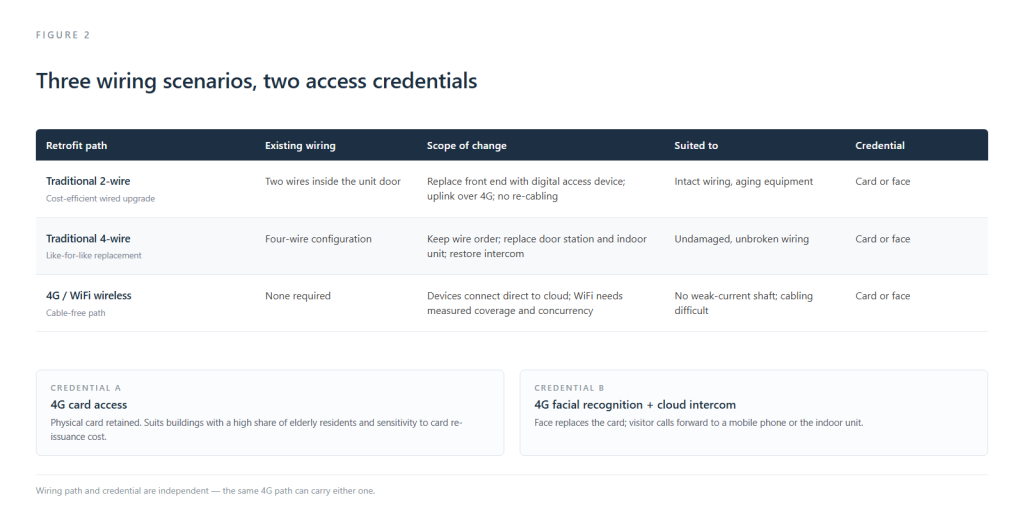
Figure 2 — Three wiring scenarios and two access credentials
Wiring scenario and credential are independent of each other: the same 4G wireless path can carry either card access or facial recognition. In practice the sequence runs the other way round — survey signal, power and wiring conditions for each individual building first, settle the path, then choose the credential according to the resident mix of that building.
2. Property Management Mobile App + Unified Pedestrian Access + RFID + Controller + Face Terminal Package
This group handles identification and authorization for three kinds of subject — people, vehicles and e-bikes — on one set of equipment.
Identity-verified pedestrian access: owners, family members, visitors and property staff are registered on the same platform, with face, QR code and card available as credentials by scenario; pedestrian turnstiles and unit doors share one authorization set.
E-bike and motor vehicle registration binding: vehicle records are bound to the owner’s account. Unregistered e-bikes without plates are not admitted to the community, which caps the total number of e-bikes at the entrance.
RFID tag binding for e-bikes: registered e-bikes are issued an RFID tag that is read automatically by identification devices at the main gate, unit doors and floors, leaving a record of every entry and exit. Riders pass without stopping to scan, which is smoother than presenting a QR code each time.
Real-time alerts for unauthorized vehicles: when an unregistered or unauthorized vehicle passes, the system pushes an alert immediately so property staff can verify on site, and the full passage record is retained.
Charging only for authenticated vehicles: charging points supply power only to authenticated vehicles, which prevents outside vehicles from occupying charging bays and reduces the risk of unofficial hook-ups.
Property staff complete field work on mobile: on-site check-in, identity verification and photo upload of exceptions all happen on the phone, with records going straight into the platform instead of being re-entered at the office.
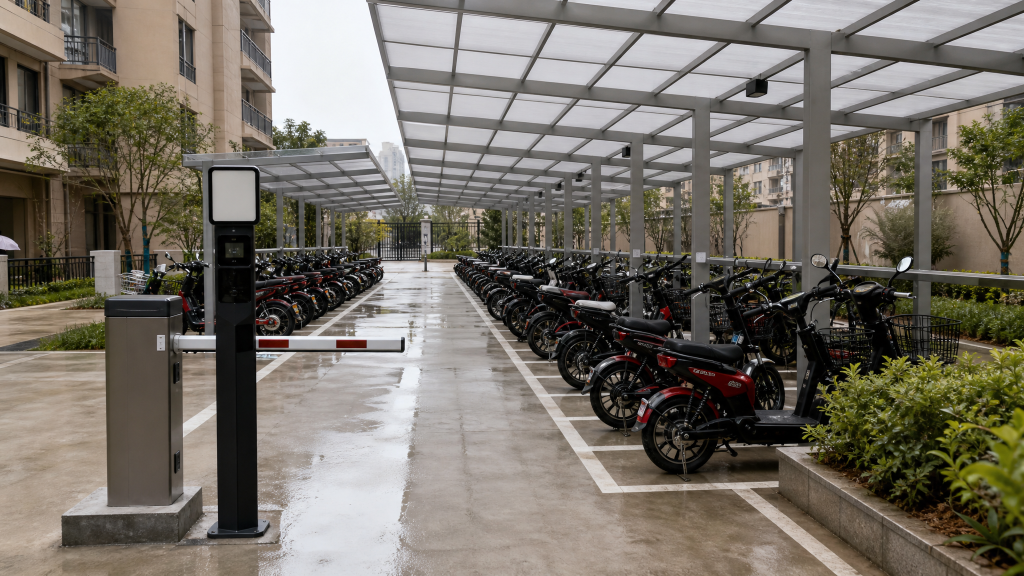
Figure 3 — Centralized e-bike parking with entry identification
3. Visitor Self-Service Booking
Owners initiate a visitor booking online: they enter the visitor’s name, contact details and arrival time, and the system generates a temporary QR code automatically; the owner simply forwards it, with no phone call to the gate required.
Visitors pass on their own once on site: the QR code or facial verification clears the pedestrian turnstile and the unit door, with no property involvement along the way.
Permission expires automatically when the booking ends: access is reclaimed by time window, so no long-lived temporary credential is left behind, which reduces lending and leftovers.
- All visitor records are stored on the platform: property staff can query by time, building or hosting owner, which removes the manual front-desk logbook and balances visitor convenience against community security.
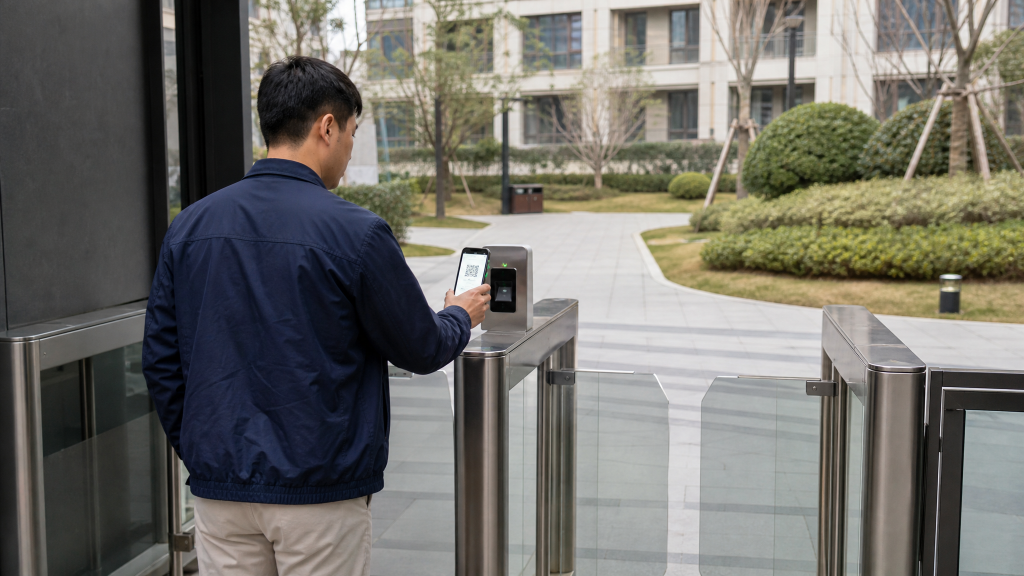
Figure 4 — A visitor passing with a temporary QR code
4. Community Space Booking
Owners book shared community spaces online: activity rooms, basketball courts and outdoor areas, with resource availability visible in real time on the phone.
Owners submit a booking request; property reviews it in the backend: staff confirm headcount, time slot and fee against the usage rules, and can ask for clarification where needed.
Approved bookings issue time-matched access automatically and reclaim it on expiry: no manual door operation is needed — the permission lapses when the slot ends.
The system keeps a booking ledger and validates time-slot conflicts: this governs shared resource use, cuts manual logging and coordination for property staff, and leaves a basis for resolving disputes over occupancy.
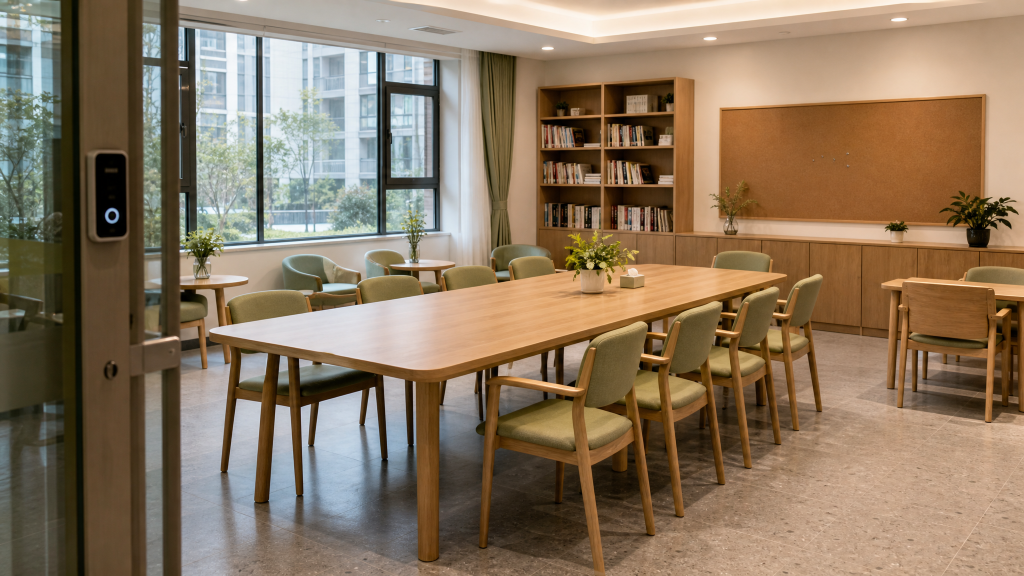
Figure 5 — A community activity room open by time slot
5. Robot Access
Robot access shares the same identity and authorization framework as pedestrians and vehicles (see “One-Code System” below); only the credential form differs — a robot joins the platform under a device identity, passes within its authorized scope, and its passage records are likewise retained on the platform.
Smart elevator control and robot access sit alongside cloud access control and cloud intercom in this plan and count as covered access modes. The specific access control points, elevator control integration and scheduling rules are determined by the on-site equipment and control protocols of each project.
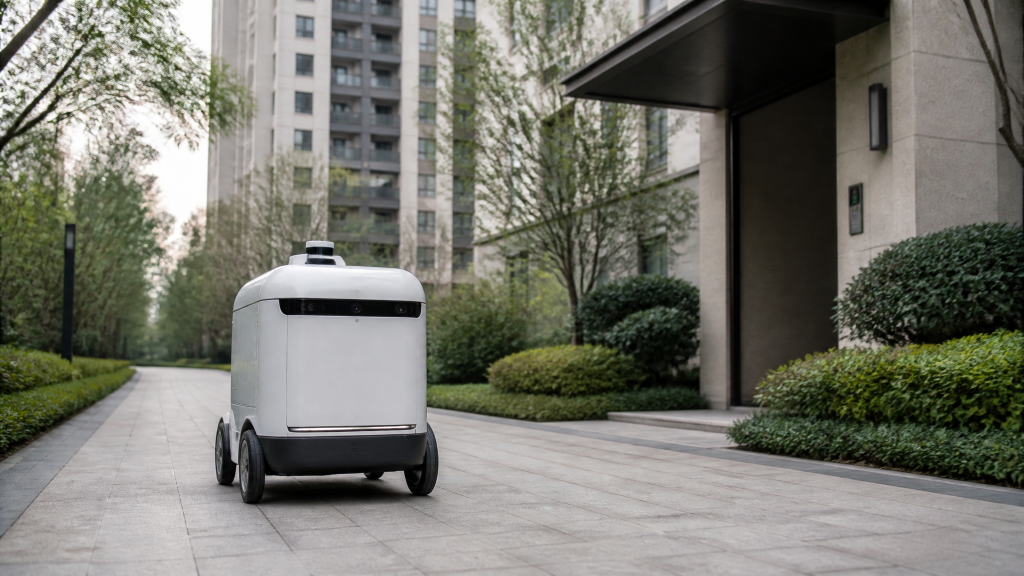
Figure 6 — A robot moving autonomously through the grounds
6. One-Code System
Build a community-wide one-code framework: a single QR code consolidates owner access, visitor authorization, parking and charging data, so owners do not switch credentials at different entrances.
Property staff verify identity by scanning with a phone: on-site verification no longer depends on a fixed terminal, and the permission status and validity period of visitors and temporary personnel are visible on one screen.
One-code and elevator control work together: a visitor scans to call the elevator to the owner’s floor, and the owner can check on the phone who is coming and when.
The property handheld terminal receives visitor calls: staff answer visitor calls on the handheld terminal and complete ID verification and door release remotely, enabling intercom across multiple elevator banks — useful for unmanned gate periods.
Parking faults handled remotely: when a barrier malfunctions, the backend or handheld terminal resolves it remotely, reducing the time owners wait at the entrance.
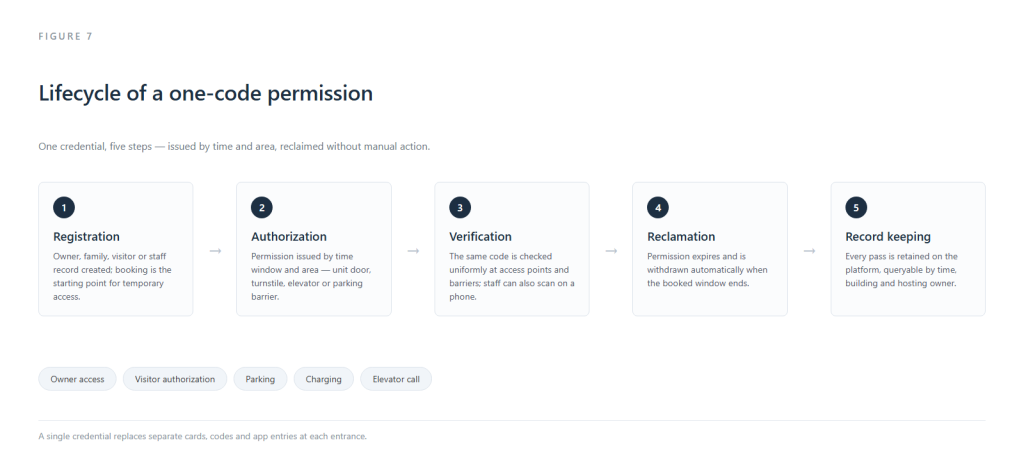
Figure 7 — Lifecycle of a one-code permission
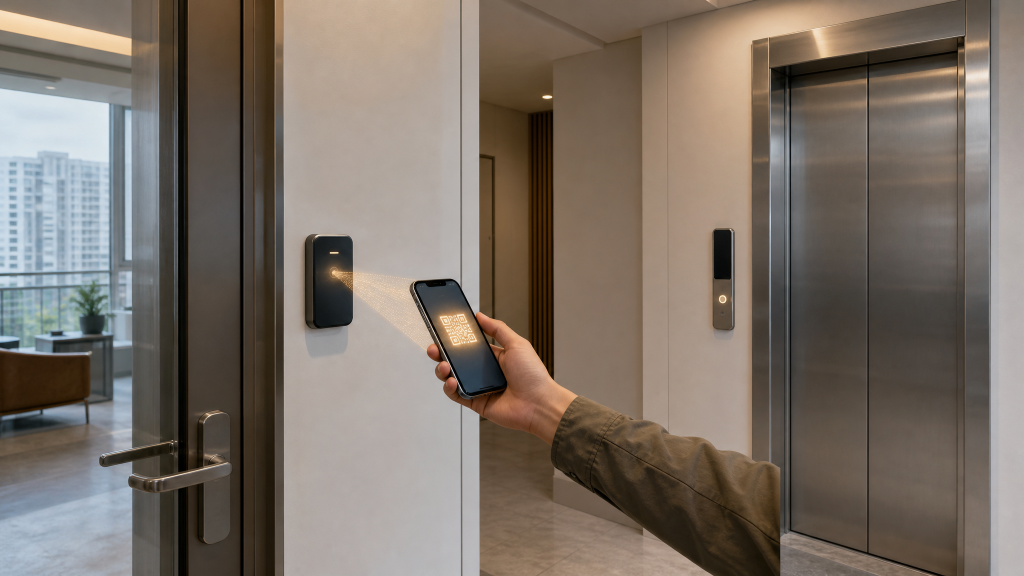
Figure 8 — One QR code for both the unit door and elevator control
Permissions are managed in five steps — registration, authorization, verification, reclamation and record-keeping: registration and booking are the starting point; authorization is issued by time window and area; verification is executed uniformly at access control points and barriers; permissions are reclaimed automatically on expiry; and records are retained on the platform for traceability.
7. Community Billing and Arrears Reminder (Including Property Fee Collection)
Consolidate property fees, shared-area charges, parking fees and charging fees into one bill: electronic bills are generated and pushed to owners automatically, avoiding missed payments caused by juggling multiple payment platforms.
Support online self-service payment with permanent cloud-stored receipts: owners can check and download at any time, giving them evidence in the event of a fee dispute.
Built-in multi-stage arrears reminder strategy: beyond email, app and SMS notices, a voice reminder can be enabled on the access control terminal to raise the contact rate.
Overdue accounts are handled by category, with access and parking permissions suspended: measures are applied according to overdue duration and fee type. Because such measures affect residents’ daily use, we recommend keeping collection as the main approach and restriction as the last resort, with the notification wording and restoration conditions set out in advance.
The backend generates financial reports automatically: collection progress by building and by fee type helps property teams improve collection rates and cuts the cost of manual door-to-door follow-up.
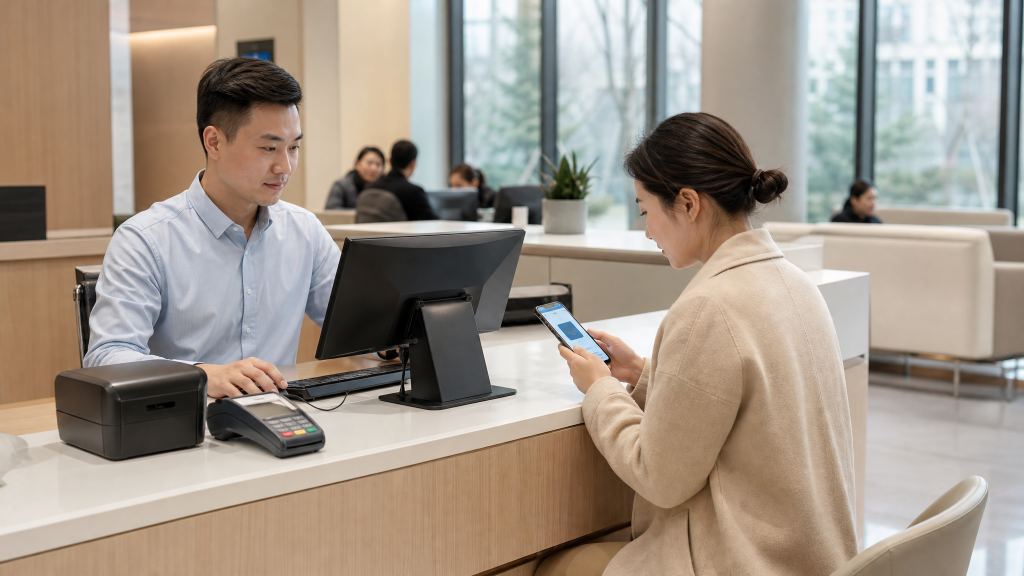
Figure 9 — Property service desk handling online payments
8. Centralized Charging Station Scenario
Suited to retrofitting centralized e-bike charging shelters in communities: charging points connect to the smart management platform, and equipment status inside the shelter is visible online as a whole, so there is no need to inspect each unit on site.
Real-time charging status monitoring: overload, leakage and over-temperature trigger automatic power cut-off, removing risk from the supply side.
Linked camera capture of exceptions: when an exception occurs the scene is recorded at the same time, providing a basis for follow-up handling and liability determination.
Charging fees settle separately online, with power cut-off on arrears: this avoids long-running balances and makes per-session usage statistics straightforward.
The system compiles charging data and pushes unauthorized-charging alerts to property staff phones: this guards against e-bike fire hazards and moves the management action ahead of the incident.
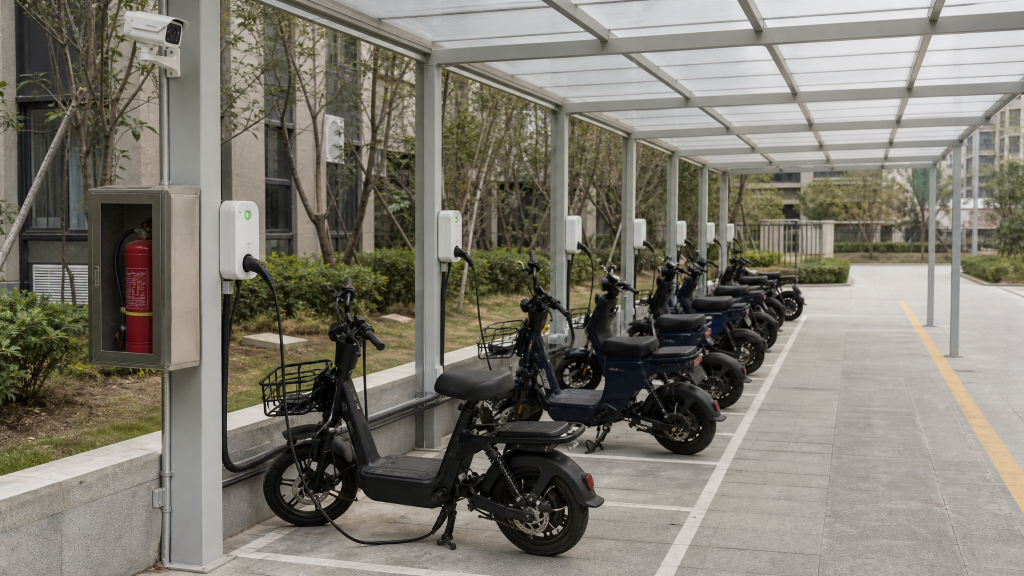
Figure 10 — A centralized e-bike charging shelter
9. AI Security Suite
AI cameras provide video analytics across the whole community: the system automatically identifies high-rise falling objects, smoke and fire, perimeter intrusion, prolonged loitering, obstruction of passage and similar risk events.
Exceptions raise real-time alerts: alerts go to both property staff phones and the platform, shortening the gap between occurrence and detection.
Scene video is saved automatically: footage from before and after the alert is retained at the same time, so incident review does not depend on manual searching.
A complete loop of alert reporting, on-site handling and outcome archiving: handling records support review and performance assessment, replacing a large volume of repetitive manual patrol work.
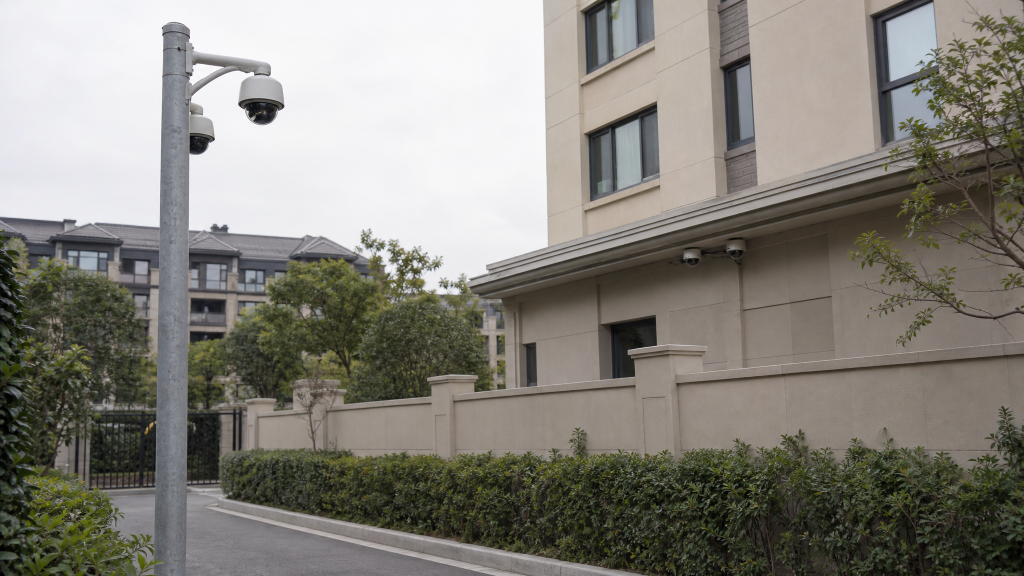
Figure 11 — Video analytics points on the perimeter and façade
For the full proposal text, a point configuration list or a site survey template, leave us a message through the backend.
(All figures in this article are AI-generated illustrations, not photographs of actual projects. Specific functions, parameters and implementation are subject to site survey and detailed design.)